How to build a repeatable image-slot content system
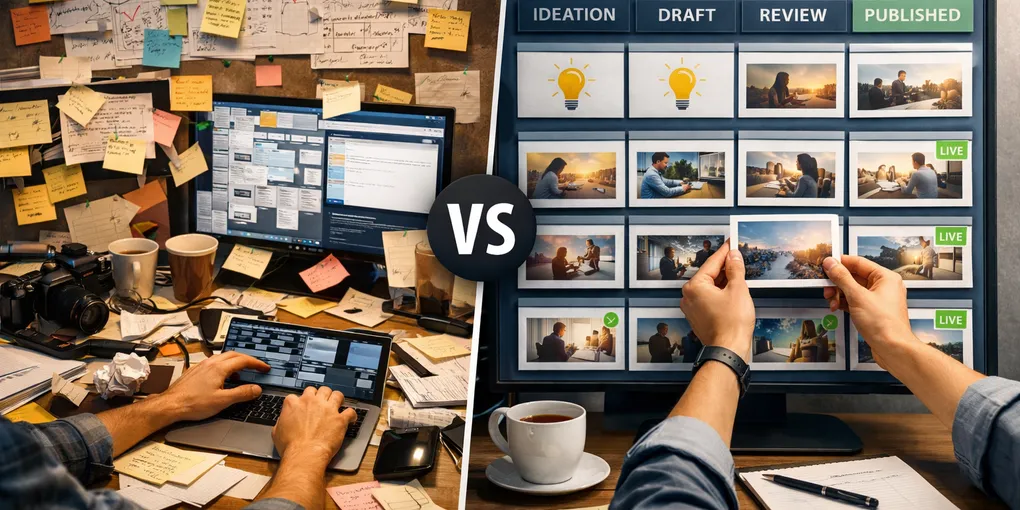
Content systems often break at the image step because images still live outside the production structure. Writing has templates, metadata has rules, and review has states, but images often remain last-minute requests attached to a post by memory.
Use the web content production system unit page as the index for follow-up posts, and keep this workflow tied to the baseline content-system guide.
1. Give each slot one fixed role
The simplest stable rule is enough to change the workflow: 001 is always the hero image and 002 is always the inline explanatory image. Once the role is fixed, the team stops renegotiating every asset.
2. Make the file mapping obvious
A slot system works when the article file, image folder, prompt block, and generated asset path all line up. The more visible that mapping is, the easier it becomes to review and replace assets.
post_blog_009_post_002.html
post_blog_009_post_002/001.png
post_blog_009_post_002/002.png
public/generated-post-assets/post_blog_009_post_002-slot-002.png
3. Prompts should inherit the slot role
Hero images and inline explanatory images solve different problems, so they need different prompt logic. The slot should define the prompt direction before image generation starts.
- 001 hero: one scene, one message, thumbnail readability
- 002 inline: process support, comparison, or structure explanation
4. Add visible production states
The system becomes smoother when every post can be seen as one of a few states: draft, ready for images, waiting for 001, waiting for 002, review complete, or publish-ready. Hidden image state is what creates late friction.
5. Store one real example per slot
The workflow becomes teachable when each slot has one real working example. New contributors can copy an existing 001 or 002 pattern instead of guessing prompt shape, alt text, and file path rules from scratch.
What to do first
Start with only two slots and one visible state rule. If you can repeatedly map the article file, 001 hero, 002 inline, and generated asset path without confusion, the rest of the image workflow becomes much easier to scale.